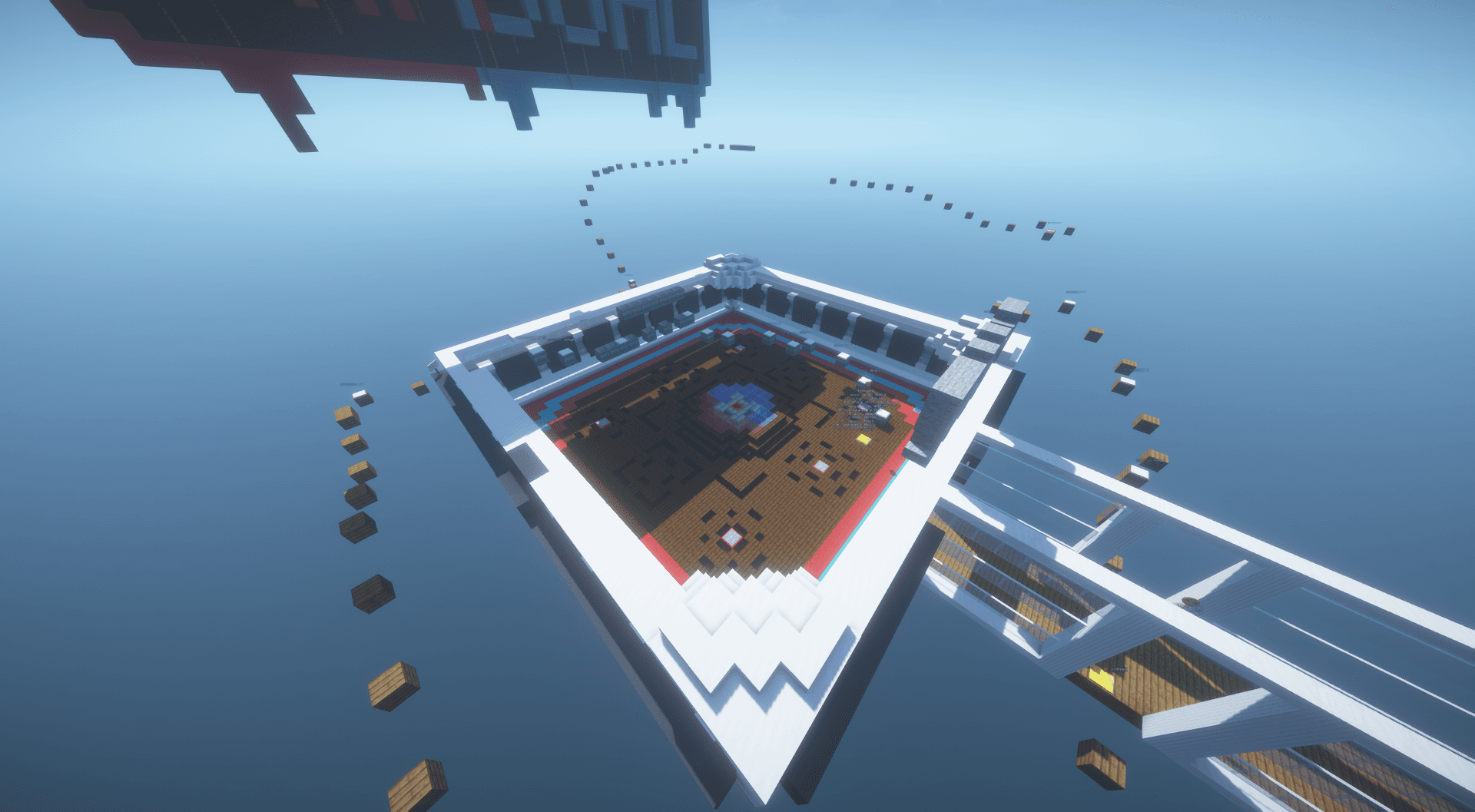
THE ARCADE IS OFFICIALLY OPEN!
After months of development, testing, and preparation, we're excited to announce that GDMCv2 — Minigames Galore has officially launched!
This update introduces an entirely new Minigames server, featuring 10 custom-built minigames, new mechanics, and more ways to play with friends.
10 MINIGAMES TO EXPLORE
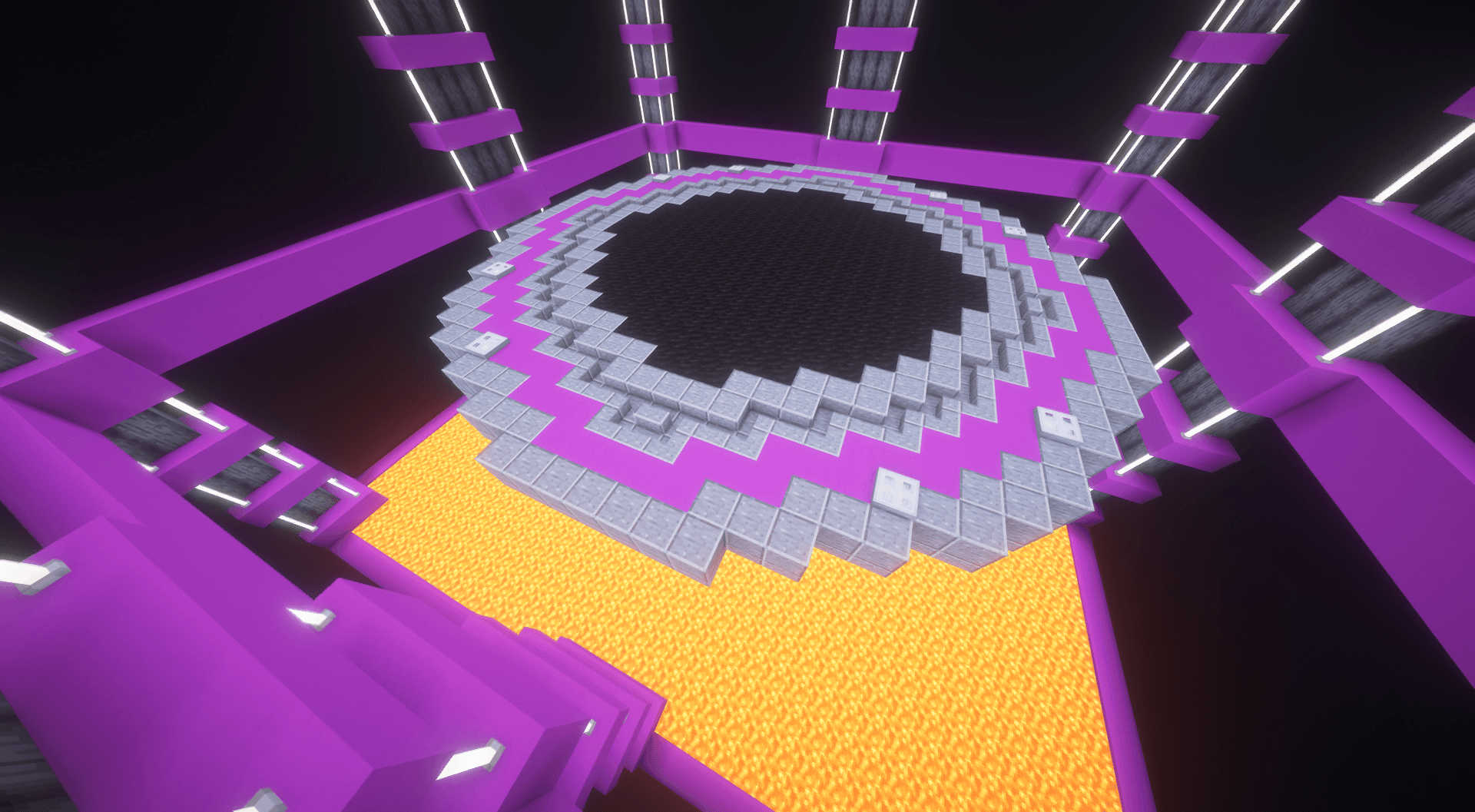
Sumo
Knock opponents out of the arena using enhanced knockback and double-jump movement.
- Enhanced knockback
- Double-jump movement
- Duels
- FFA
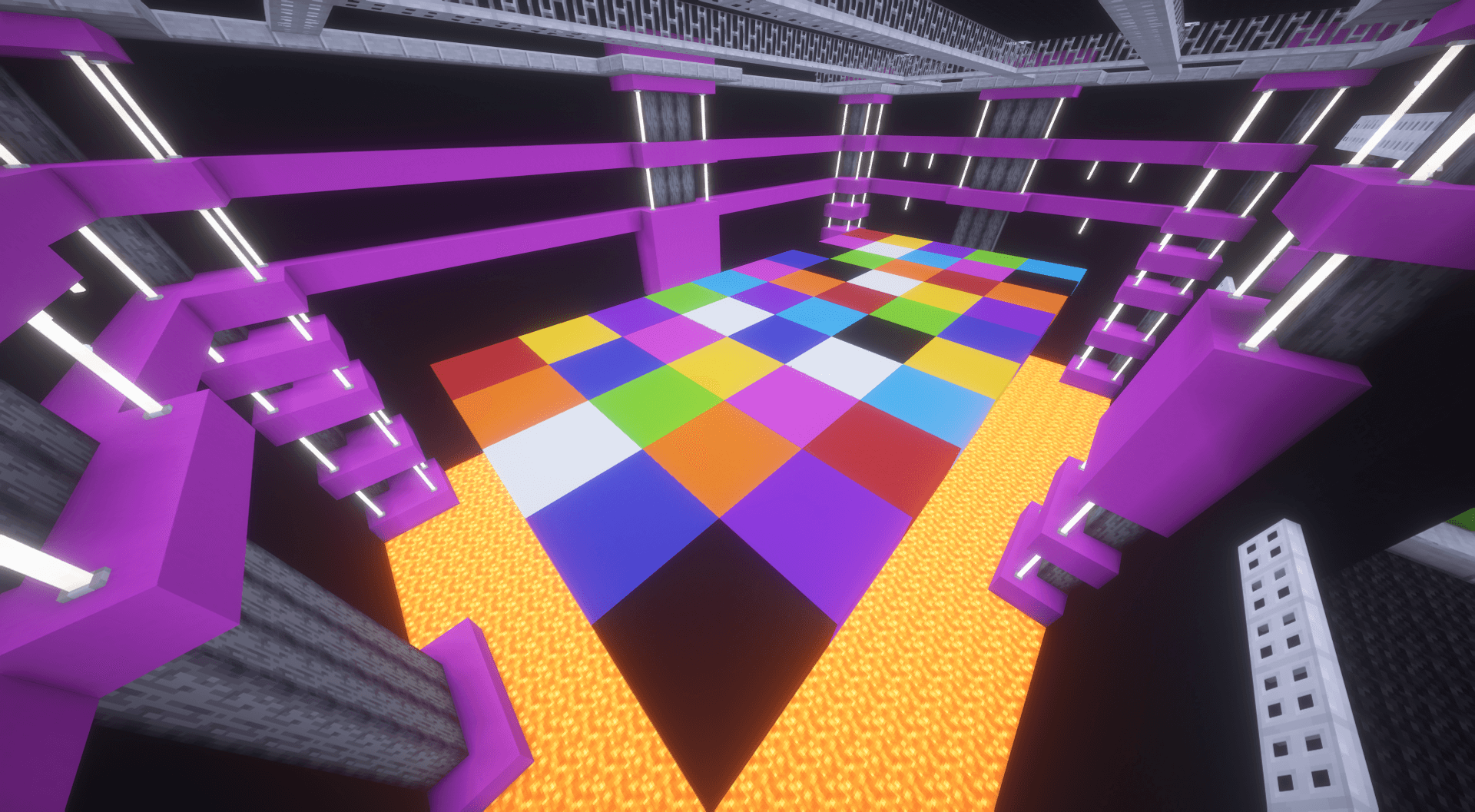
ColorTiles
Reach the correct colored tiles before the floor changes or disappears.
- Tile shuffle
- Block shuffle
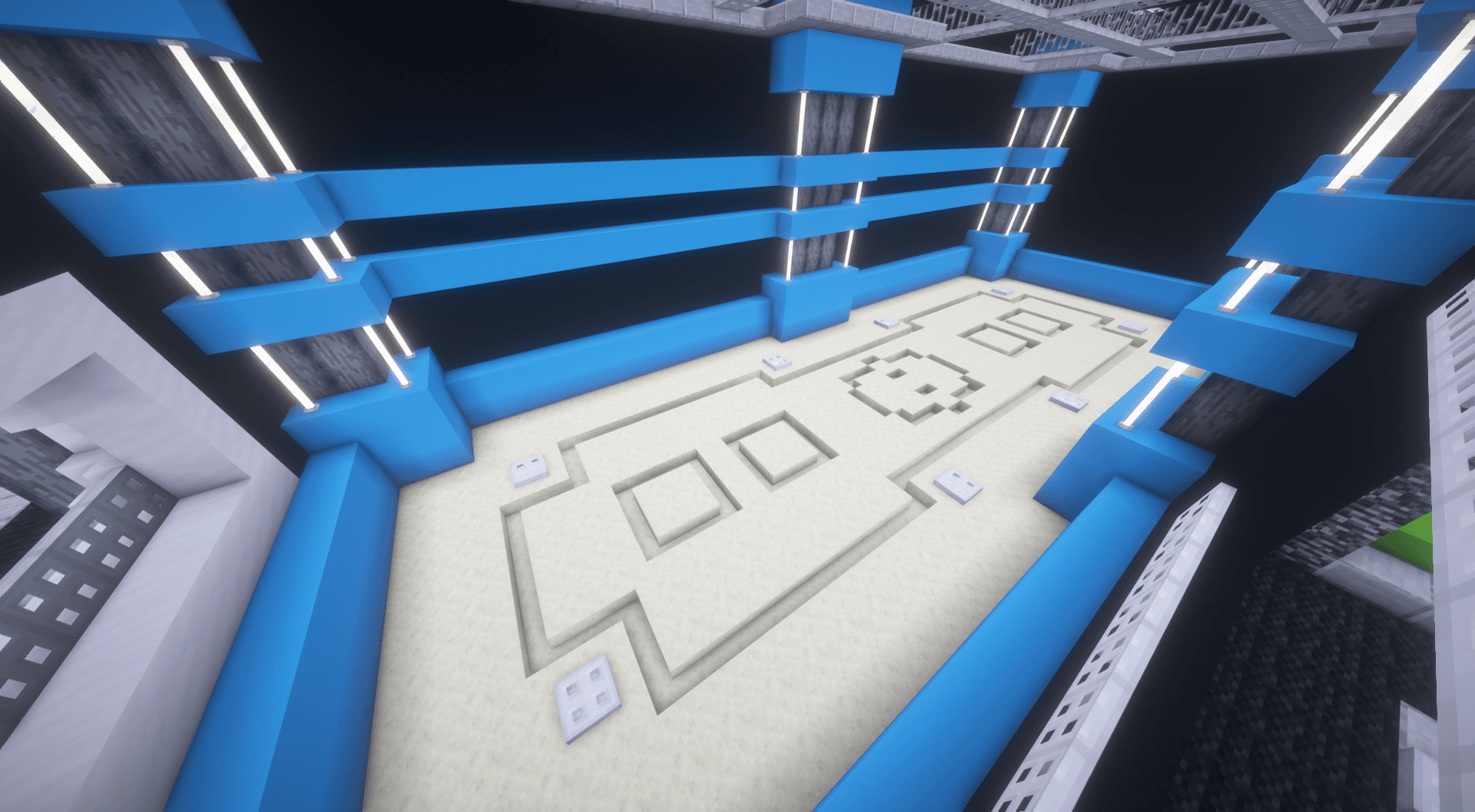
Jabulon
A spear-focused duel with special movement and lunge mechanics.
- Spear combat
- Lunge movement
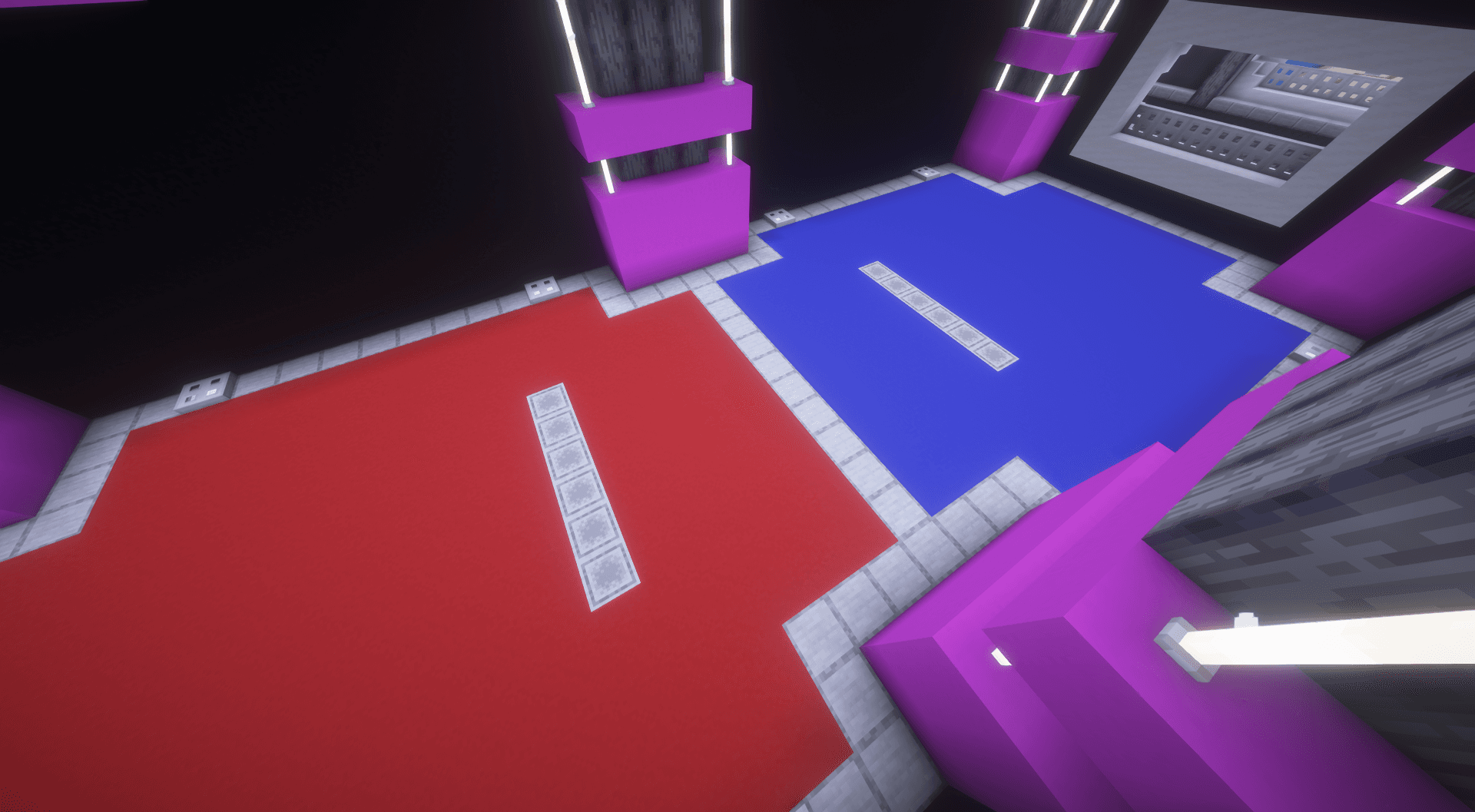
Dodgeball
Collect and throw dodgeballs to eliminate opponents.
- Dodgeball pickups
- Projectile eliminations
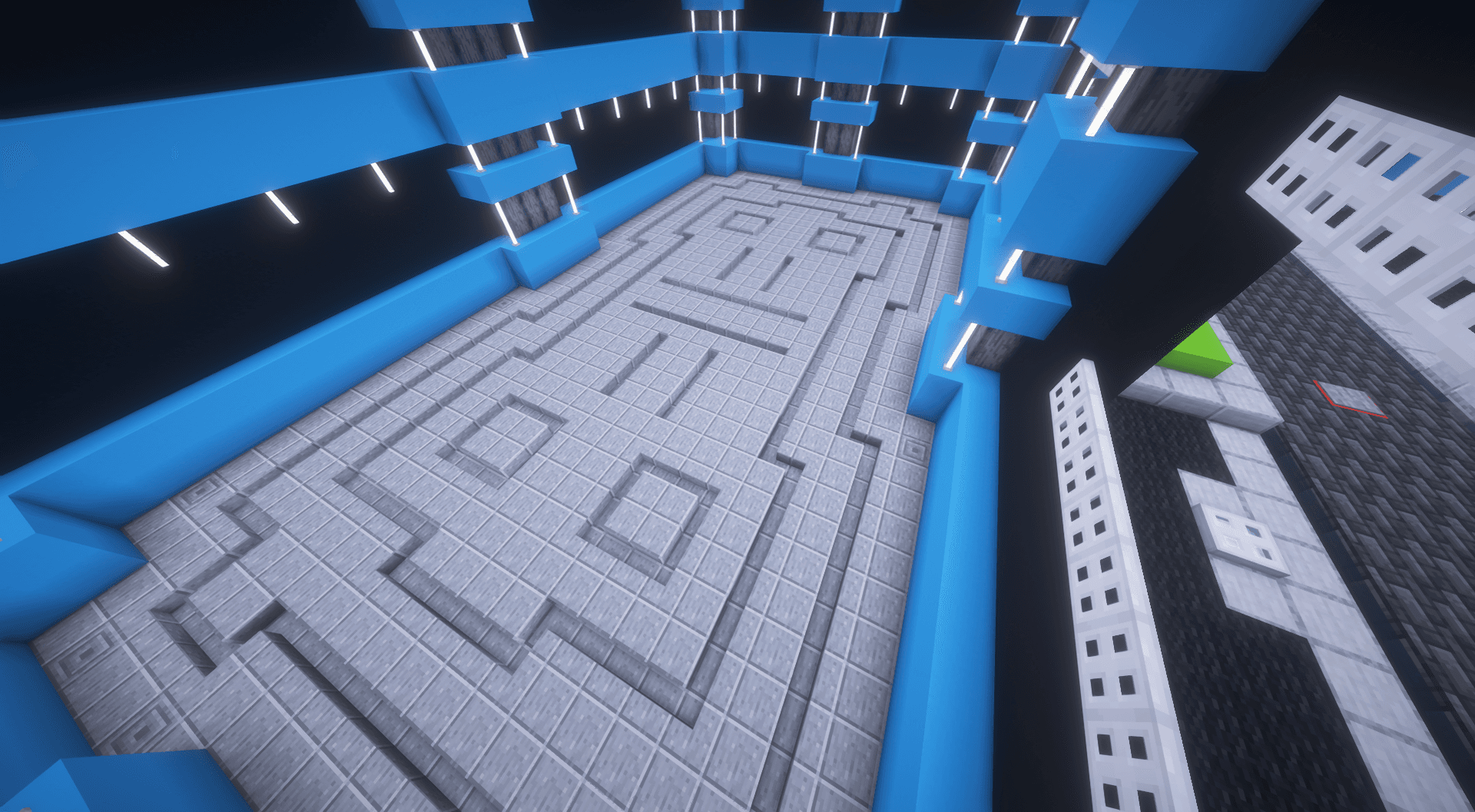
Sword Brawl
Sword-based combat with different weapon variants.
- Multiple weapon variants
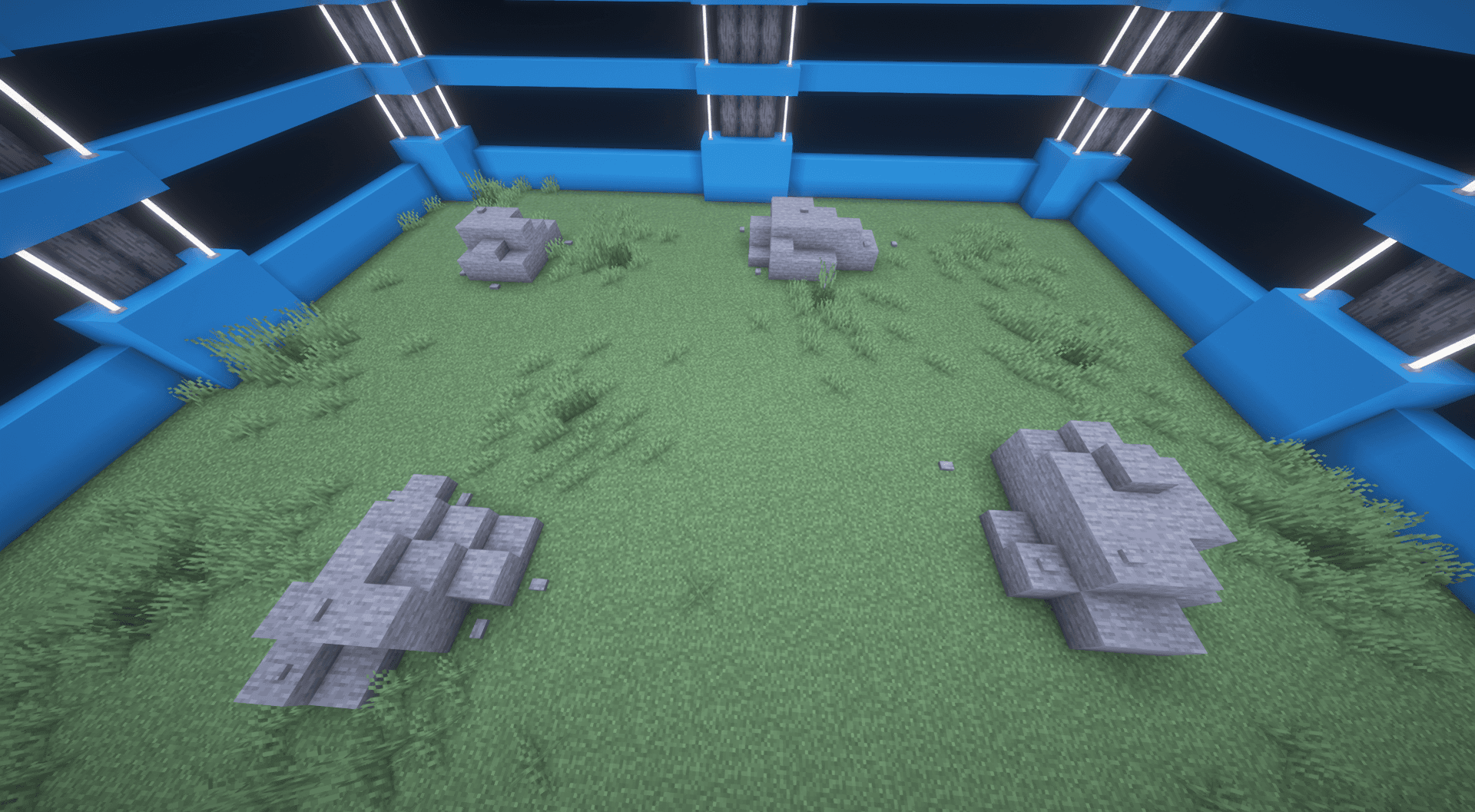
Ranged Rumble
Ranged-weapon combat with different weapon variants.
- Multiple ranged weapon variants
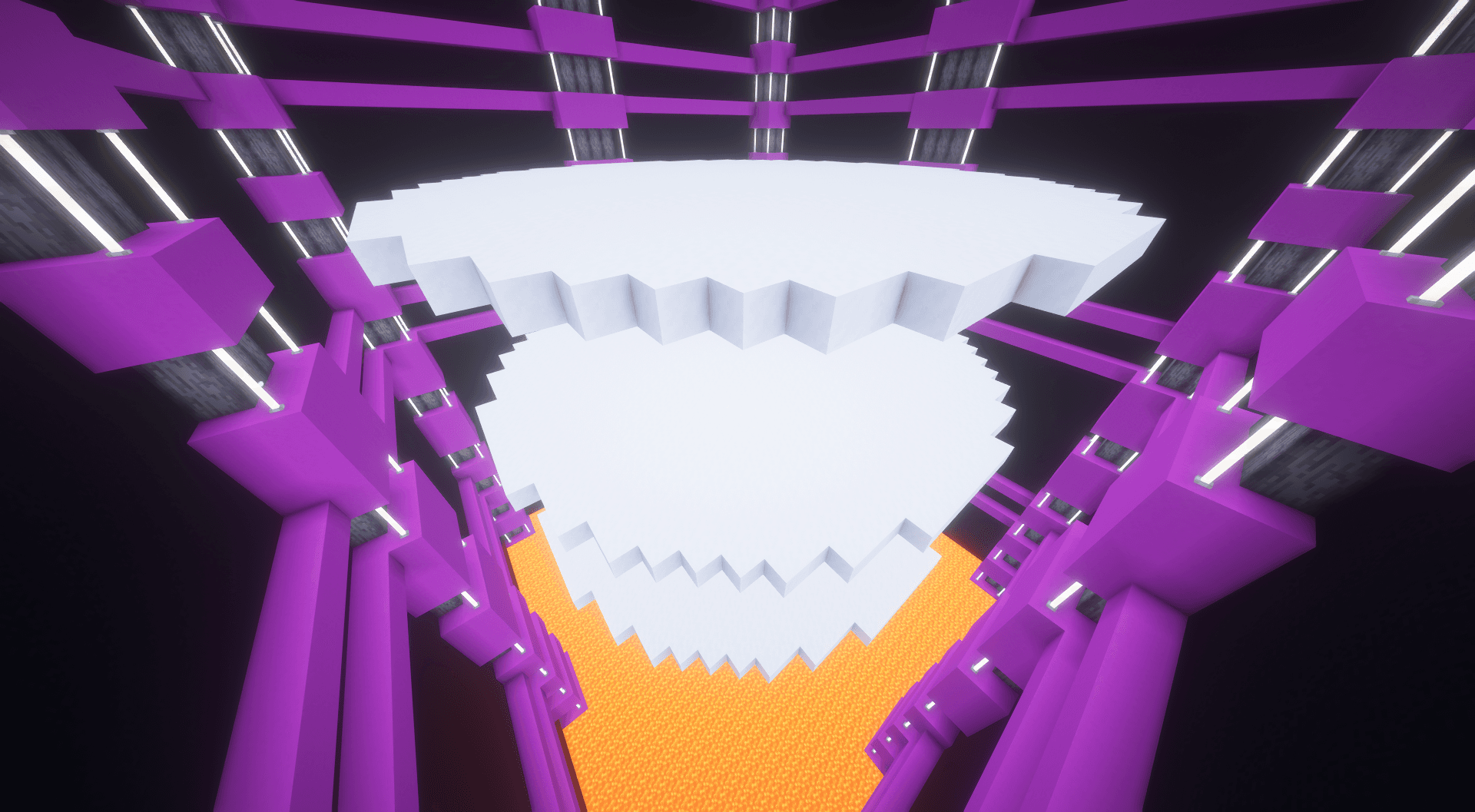
Spleef
Destroy the floor beneath opponents to eliminate them.
- Destructible arena floor
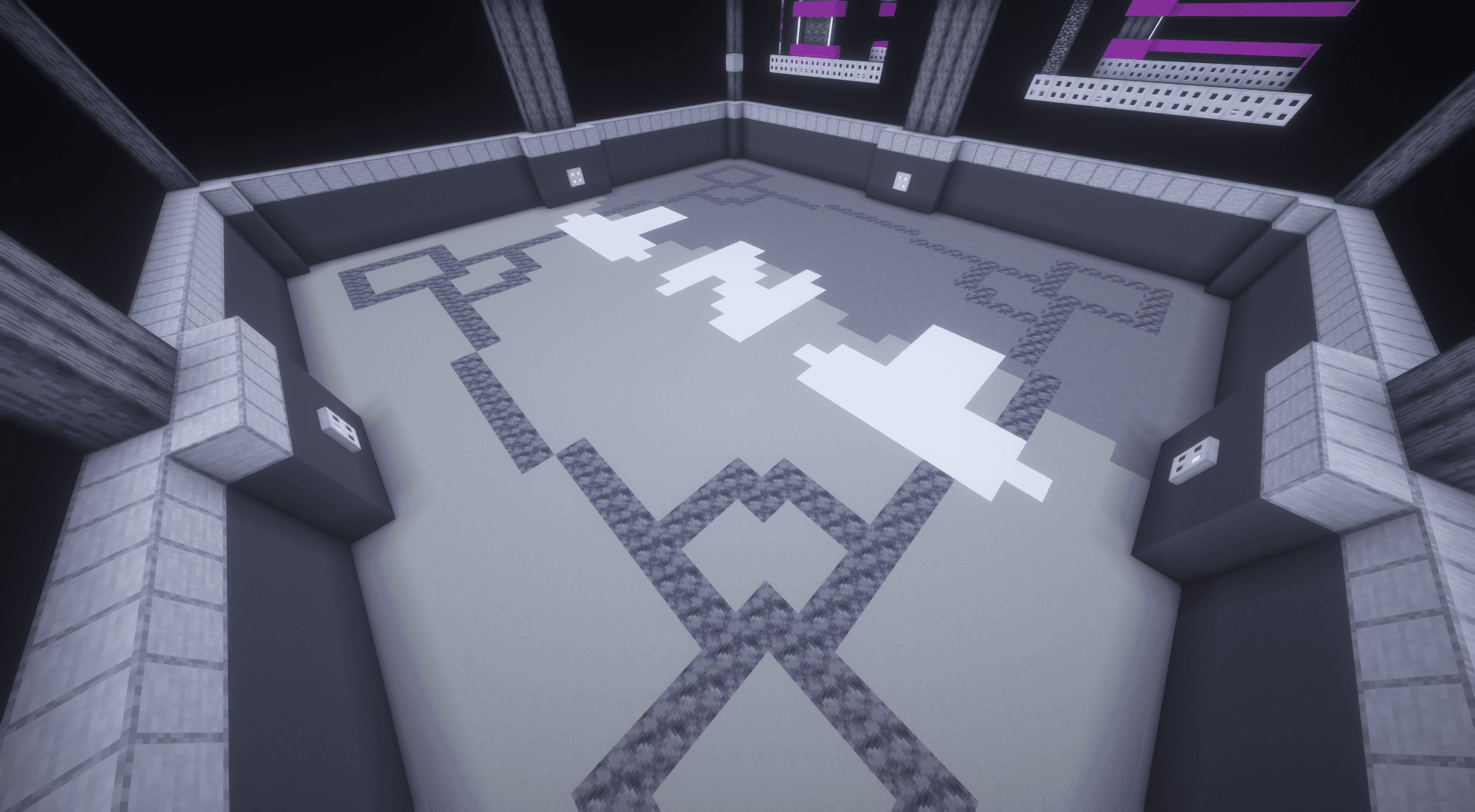
TNT Run
Keep moving while the floor disappears beneath players.
- Disappearing floor
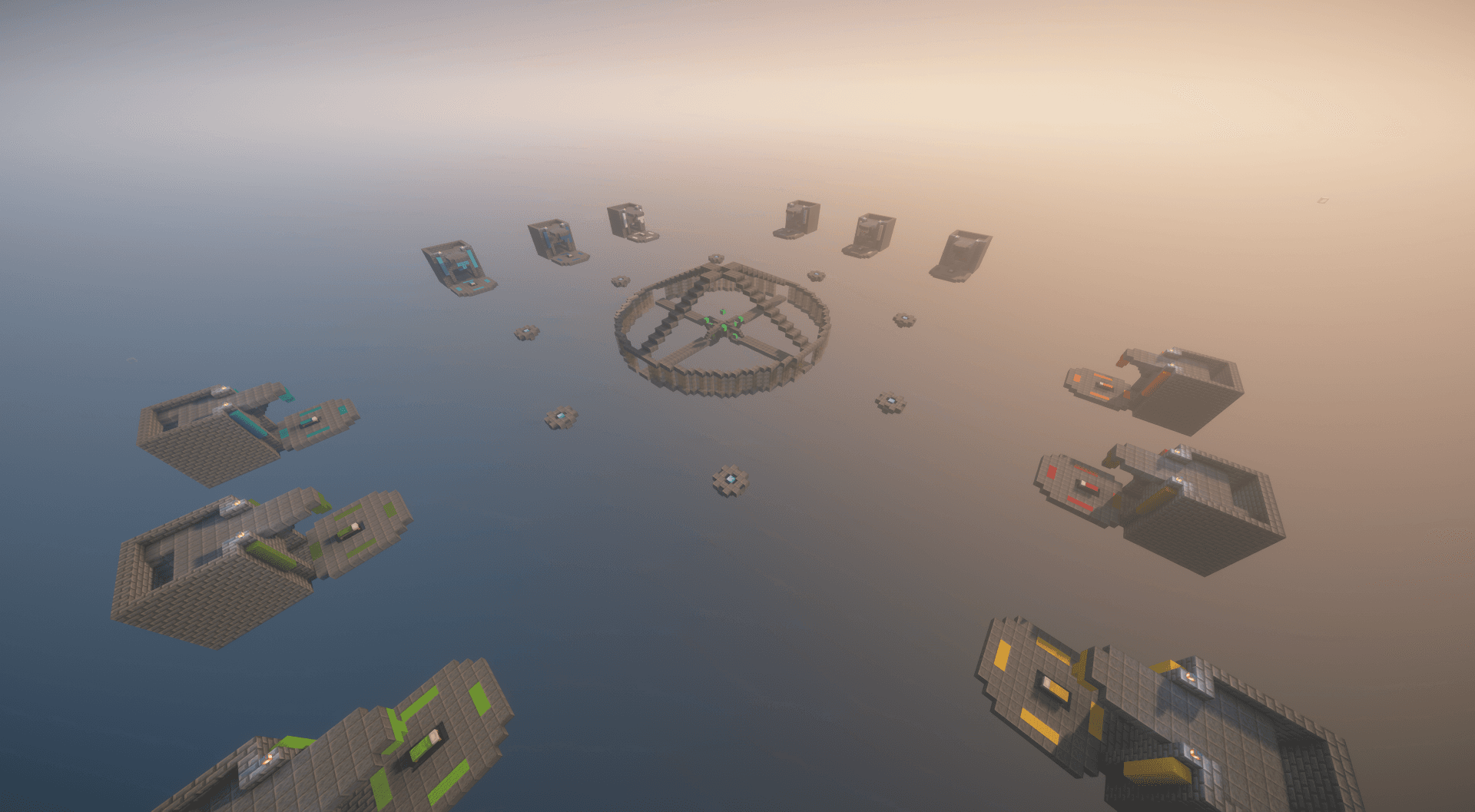
BedWars
Protect your bed, collect resources, upgrade equipment, and eliminate opposing teams.
- Bed defense
- Resources and equipment upgrades
- The Isles — Solo/Duos
- Dragon Estate — Teams/Quads
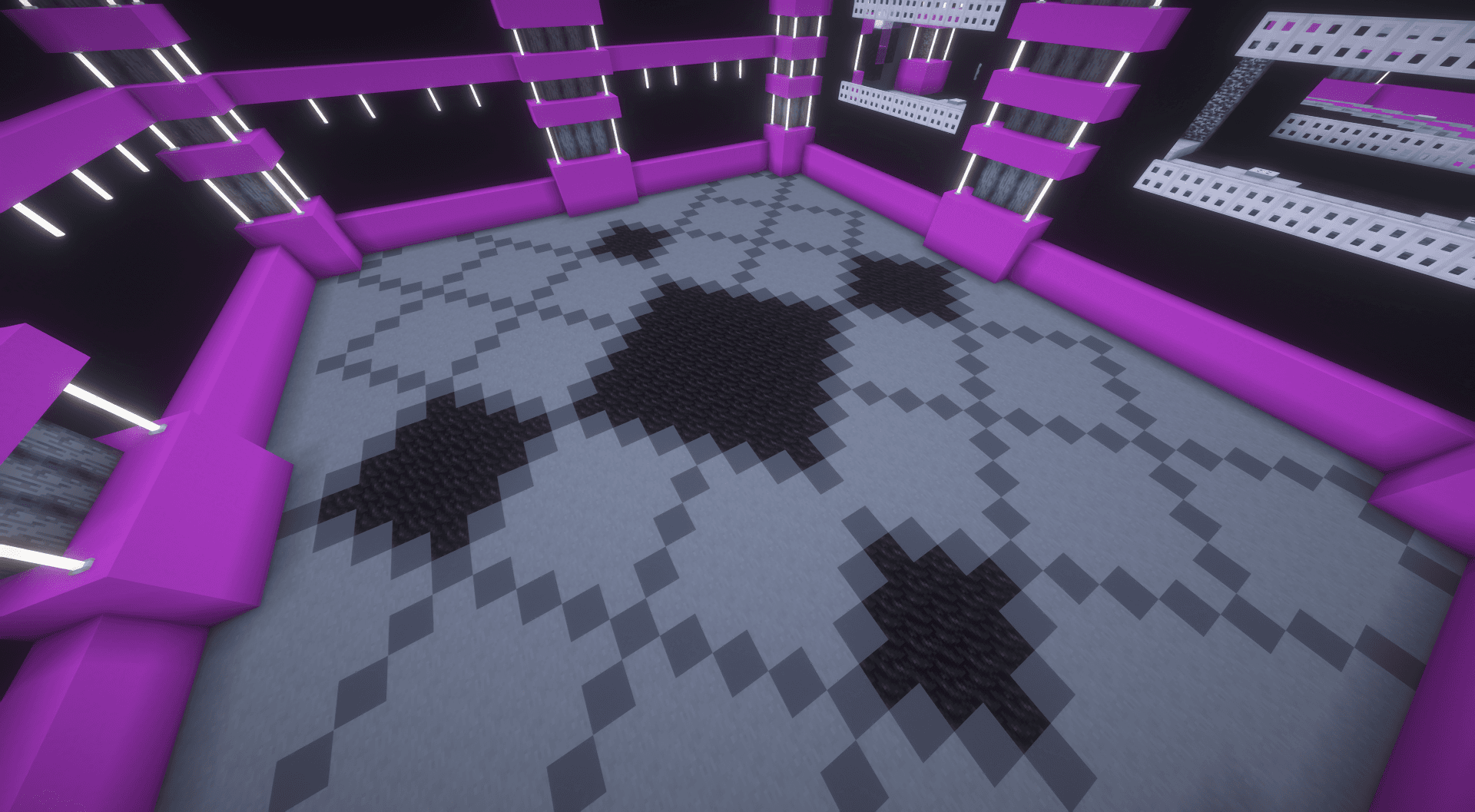
Heatseeker
A Genji Ball-inspired minigame in the confirmed GDMCv2 lineup.
YOUR GAME, YOUR RULES
Custom Games allow players to host matches, invite friends, customize supported rules, and choose between Public, Private, and Invite-Only lobbies.
AND WE'RE NOT STOPPING HERE
Minigames Galore is only the beginning.
We're planning additional minigames, seasonal Limited-Time Modes, and improvements extending beyond the Minigames server.
There's plenty more coming to GradualMC.
HOW TO PLAY
GradualMC supports Minecraft Java and Bedrock Edition.
- Launch Minecraft Java Edition and open Multiplayer.
- Select Add Server or Direct Connection.
- Enter grad.chittersync.com, join GradualMC, and select Minigames.
Adds the server in Minecraft Bedrock where supported; you may need to select it and join afterward. Requires Minecraft Bedrock and a browser/device that supports app links. If nothing opens, use the manual instructions below. Some consoles do not support adding external servers.
- Launch Minecraft Bedrock Edition.
- Open Play → Servers → Add Server, where supported.
- Enter grad.chittersync.com as the server address and 32470 as the port.
- Save, join GradualMC, and select Minigames.
THANK YOU!
Thank you to everyone who helped test, build, promote, and support this update.
Whether you've been here since the original GradualMC release or you're joining us for the first time, we're glad to have you.